 ThreadKeep
How to export a Claude chat to Markdown or PDF
claude.ai makes it easy to copy a reply but gives you few ways to export a full conversation. Here is what works today.
Export a Claude conversation
- Copy a reply. Hover over a Claude reply and click the copy icon. Paste into a Markdown file; formatting such as headings and code fences generally carries over.
- Save the chat as a PDF. Open the conversation, press Ctrl+P (Cmd+P on Mac) and choose Save as PDF. Check long code blocks, which can split across pages.
- Use the share option if you only need a link. Claude can create a link to a conversation. Anyone with the link can read it, so use it only for chats you are happy to share.
- Request your account data. Open Settings and look for the Privacy section, where an Export data option emails you a download link. The result covers your account rather than one chosen chat. The exact menu names and format are described by third-party guides, so confirm them in your own settings.
Notes on Claude Projects
If a chat lives in a Project, the project's knowledge files are not part of the chat text, so a copied or printed chat will not include them. Export those files from the project itself.
Where ThreadKeep helps
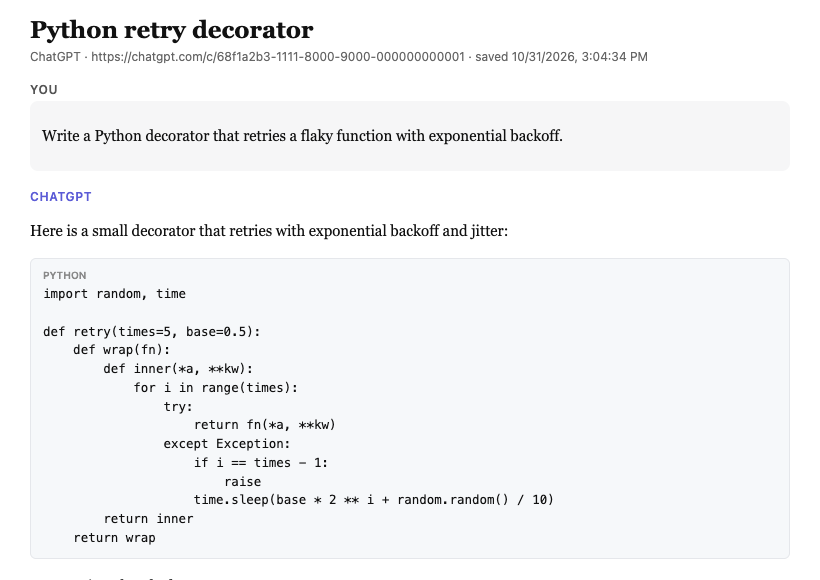
With ThreadKeep installed, an export action appears for the open Claude chat. Choose Markdown, PDF, JSON or plain text. PDF opens a clean print view of the chat, where you choose Save as PDF. Code keeps its language and indentation, and everything is built in your browser. You can also put Claude chats in folders next to ChatGPT or Gemini chats and export a whole folder with Pro.
Free covers up to 5 folders, 10 exports a month and unlimited search. Pro is $4.99 a month or $59 once and removes the folder and export limits.
ThreadKeep is not on the Chrome Web Store yet. Add to Chrome (coming soon). Until then, see the ThreadKeep overview.
Related guides
How to organize your Claude chats, export a ChatGPT chat and export a Gemini chat.
More guides
- How to organize ChatGPT chats into folders
- How to export a ChatGPT chat to Markdown, PDF or text
- How to export a Gemini chat
- How to search all your ChatGPT conversations
- How to organize your Claude chats
- How to export a Grok chat to Markdown or PDF
- ThreadKeep vs ChatGPT Projects
ThreadKeep adds folders, tags, cross-site search and export to ChatGPT, Claude, Gemini and Grok. Data stays in your browser. No account.
See what ThreadKeep does · Add to Chrome (coming soon)